Weather Fusion User Guide
Weather Fusion User Guide
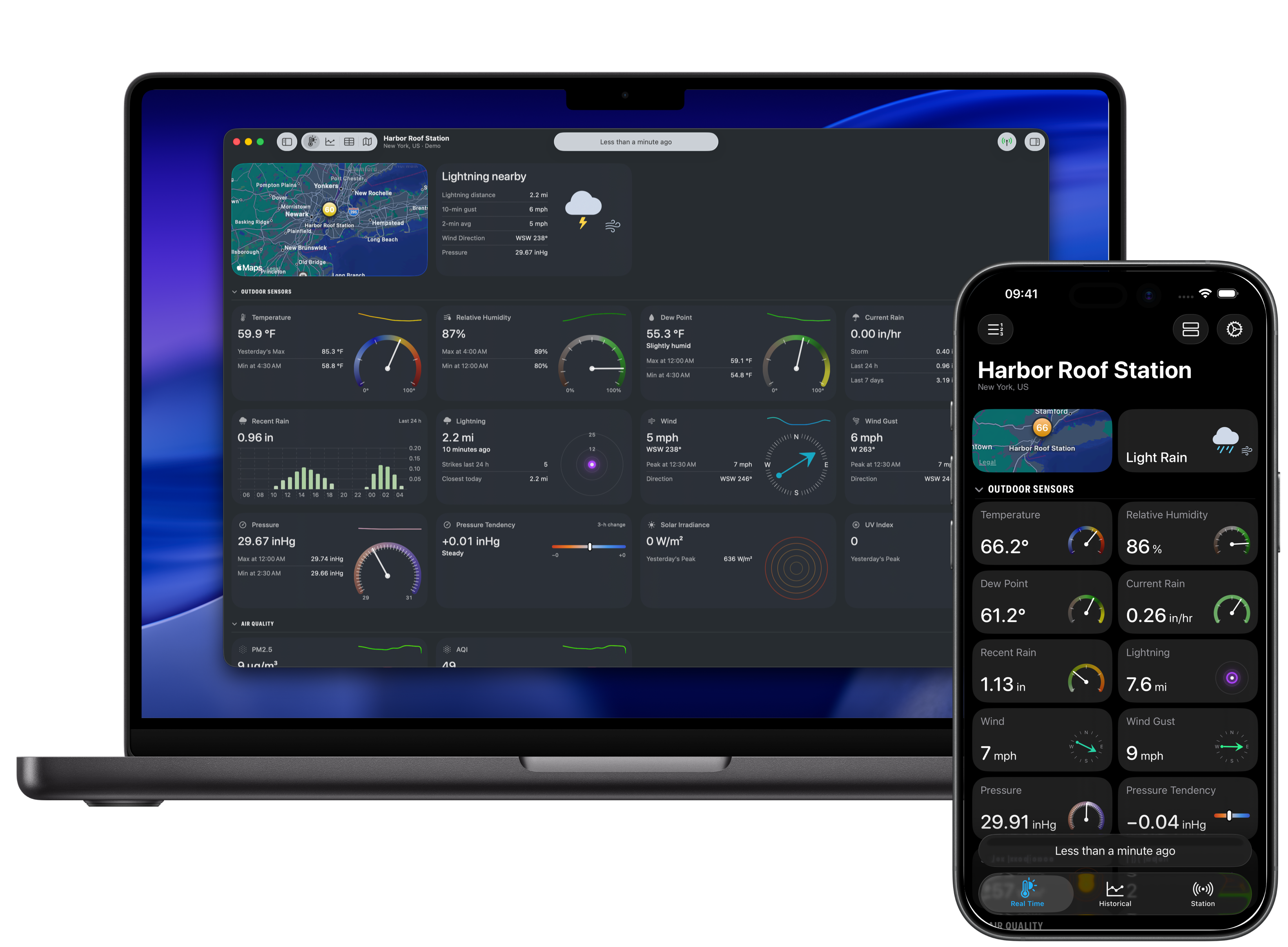
Weather Fusion presents real-time conditions, historical records, maps, and detailed observations from supported personal weather stations in a native app for iPhone, iPad, and Mac. Stations can connect through a supported cloud service or, for compatible hardware, directly over the local network.
Get started
Connect a weather station by selecting its model on the Start Screen. The supported weather stations reference lists common models and their connection requirements. For aviation observations, add an airport.
To look around before connecting a station, explore Weather Fusion with Demo Mode.
Browse the guide
- Browse Real Time, Historical, Observations and data, Stations, Map, Settings, and Troubleshooting for task-focused instructions.
- Reference documents views, cards, charts, measurements, providers, settings, platforms, and keyboard shortcuts.
- How Weather Fusion Works explains data retrieval, summaries, availability, backups, and iCloud sync.